
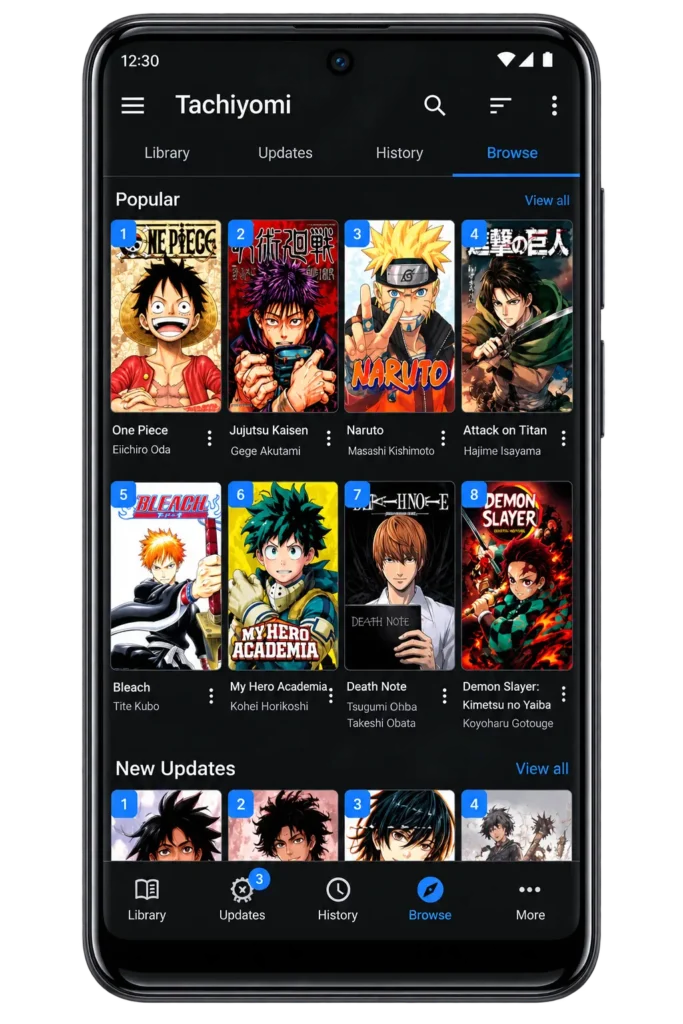
Tachiyomi – Free Manga Reader App | APK Download for Android
| App Name | Tachiyomi |
|---|---|
| Version | Tachiyomi version 0.1.5.3 |
| Domain | Manga and Anime |
| Size | 21.66 MB Raw |
| Ratings-Reviews | 4.4 star |
| Installs | 500K+ |
| Compatible with | Android (5.0 and above) |
Tachiyomi is a free, open-source manga, manhwa, and manhua reader for Android. It doesn’t host any content itself — it connects to sites through add-ons called Extensions. The project stopped active development on January 13, 2024, and the last stable build is version 0.15.3. It still installs and runs for most users, but it no longer receives updates, official extensions, or security patches. If you’re looking for a newer option, you can also explore Tachiyomi alternatives for Android that are still actively maintained.
What is Tachiyomi?
Tachiyomi is a free, open-source manga reader app for Android. “Open-source” means the code is public on GitHub, so anyone can look at it, check how it works, or even help fix it. That’s different from most apps, where the code is closed and only the company can see it.
The app itself didn’t hold any manga. It worked like a bridge — you added small add-ons called Extensions, and each one connected the app to a different manga site. If you need help getting started, you can learn how to add Tachiyomi extensions to your app. This let you read from many sources in one place instead of jumping between websites.

Tachiyomi Latest Version 2026 (0.15.3)
The current and final stable build of Tachiyomi is version 0.15.3, released on January 13, 2024. This is not a “latest update” in the usual sense — it’s the last version the developers ever put out before the project stopped active development. No new builds have been released since, and none are planned.
For the most accurate release details, the official GitHub releases page is the best source to check, since it’s the original location where this version was published. Avoid third-party mirror sites claiming a “newer 2026 version,” since no such version exists — anything dated after January 2024 is not an official Tachiyomi release.
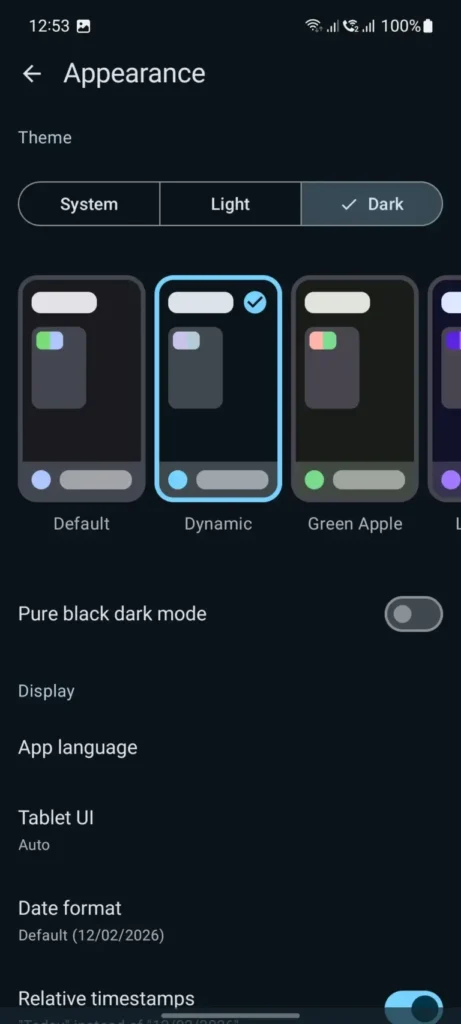
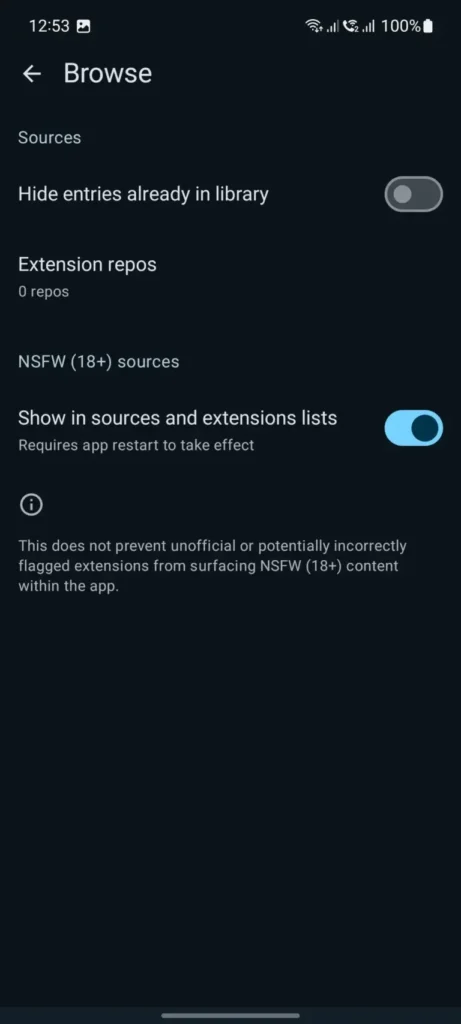
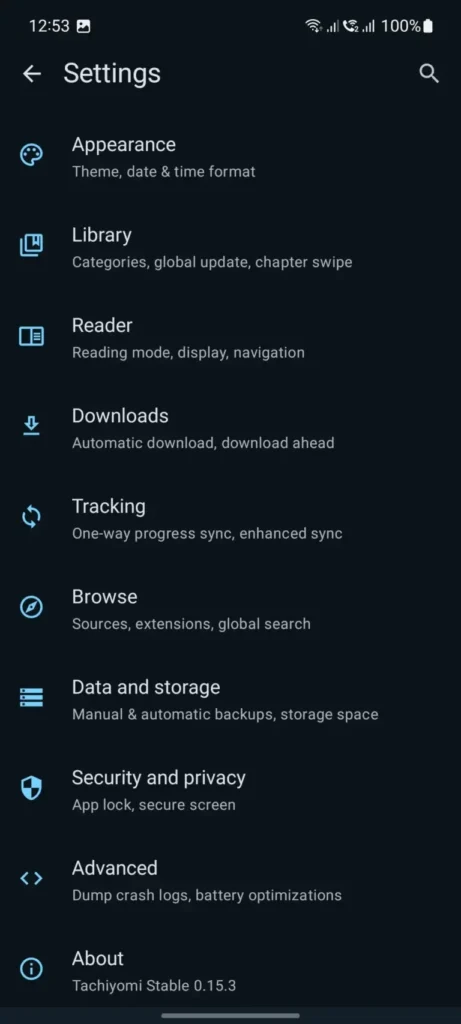
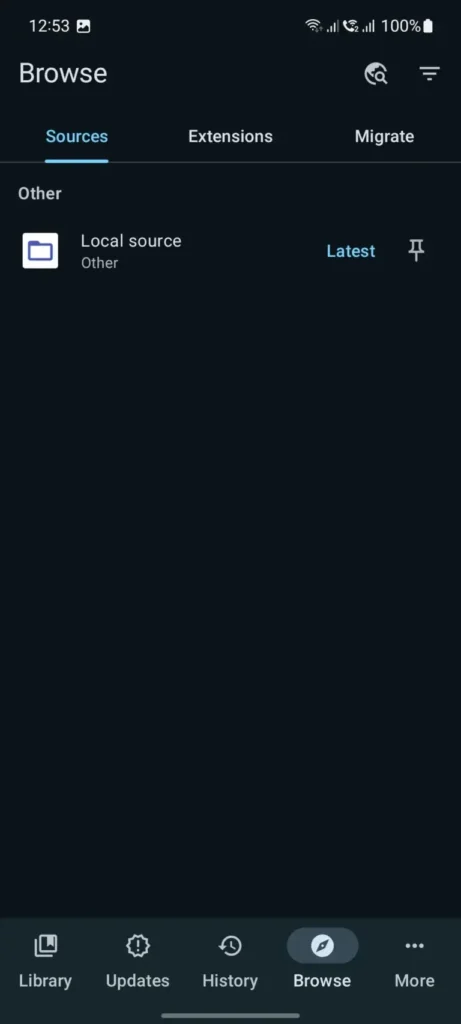
Tachiyomi App Screenshots 2026
How to Download and install Tachiyomi Apk
Installing Tachiyomi is a straightforward process, but since the app isn’t on the Google Play Store, you’ll need to install it manually. You can download it directly from our website using the link on this page.
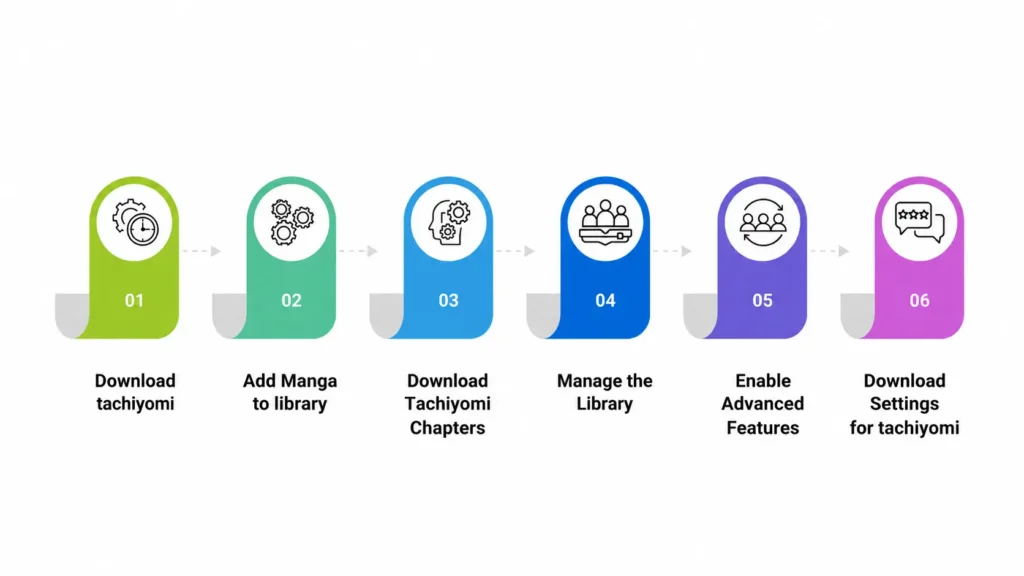
Step 1: Download and Install Tachiyomi App
Tap the download button on this page to get the Tachiyomi APK from our website. Open the downloaded file. If your phone blocks the install, allow installation from this source in your settings, then try again.
Tap Install, grant the requested permissions, then tap Open to launch the app.
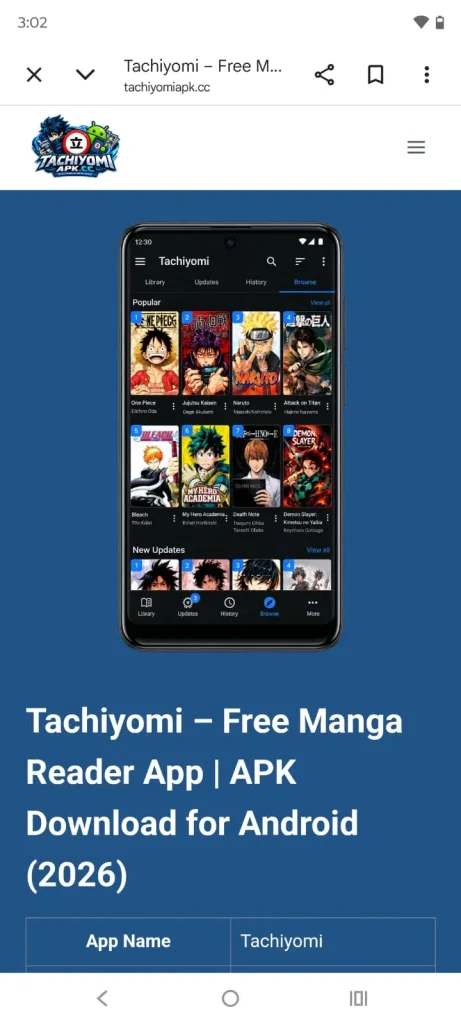
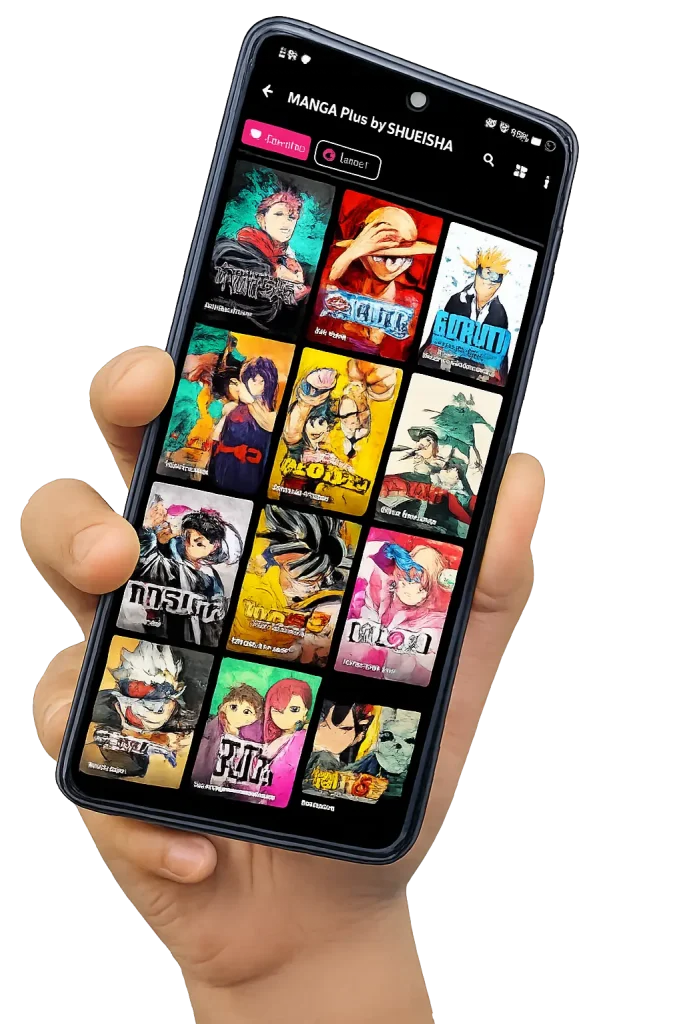
Step 2: Add Manga to App Library
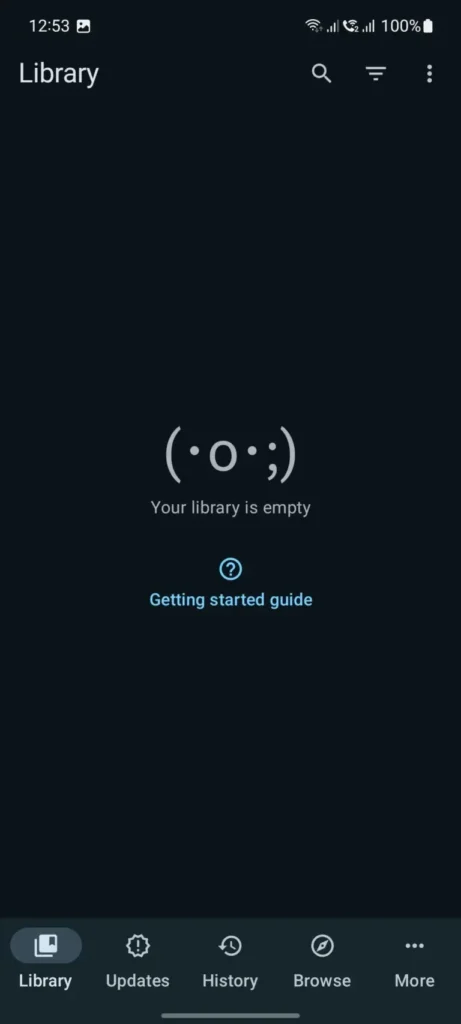
When you first open Tachiyomi, your library will be empty — no manga is added by default. To add titles, go to the Browse tab, then open Extensions to install a source. Once a source is installed, tap it to browse its manga list, then tap a title and select Add to Library to save it.
Step 3: Download Manga Chapters
To read offline, open a manga from your library and long-press a chapter to download it. To download several at once, long-press one chapter first, then tap Select All to grab the rest in that series.
You can check download progress anytime from the download queue in the app’s settings.
Step 4: Manage the Manga Library in App
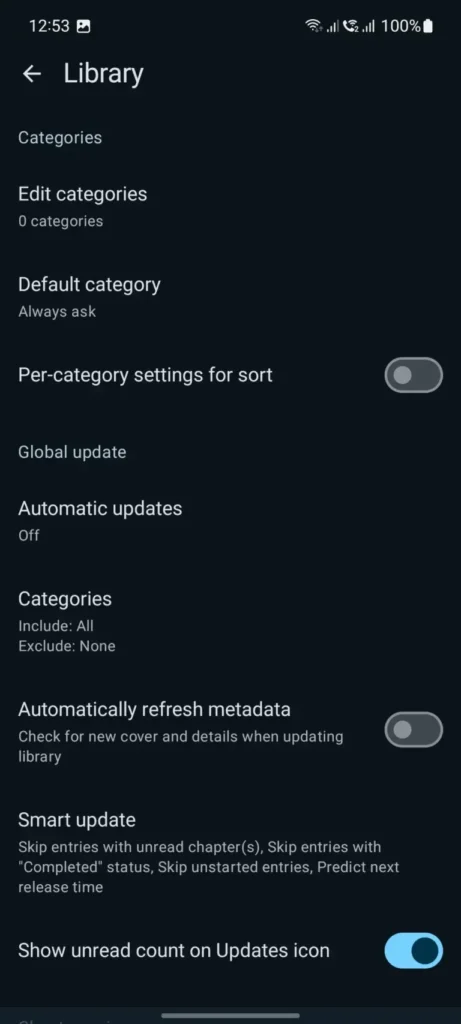
Once you’ve added a few titles, the Library filters can make things much easier to manage. You can quickly sort your collection by Downloaded, Unread, or Completed instead of scrolling through everything. It’s also a good idea to back up your library from time to time, especially if you’re moving to a new device or switching to Mihon. Here’s a simple guide on how to back up and restore your Tachiyomi or Mihon library.
You can also switch between List View and Grid View, whichever is easier to scan. If you want extra organization, turn on Categories to sort your manga into groups like genre or reading status.
To pull in new chapters for everything in your library at once, just swipe down to refresh.
Enable Advanced Features
Tachiyomi has a few extra settings worth turning on once you’ve got the basics set up:
Download Settings for Tachiyomi
A few settings control how downloads behave:
Tracking and Browsing Settings
These settings help keep your reading synced and your extensions running smoothly:
How app Works (Step-by-Step)
Here’s the whole process from start to finish, in one place:
You install the app on your Android phone or tablet. When you open it, the library is empty. You go to the Extensions section and install the sources you want to read from — each one adds a list of manga from that site.
From there, you browse titles inside those extensions, searching by name or genre. When you find something you like, you tap Add to Library, and it shows up on your home screen.
If you want to read offline, you download the chapters first. When you open one, the reader loads the pages based on your reading settings — everything happens inside the app, so you never need to switch to a browser.
Latest Features of Tachiyomi Apk
Tachiyomi comes with a set of features built to make reading and tracking manga easier:
The app is organized into four main areas, each covering a different part of how you read and manage manga. Here’s what each one does.
1. Library Section
The Library is the first screen you see when you open the app. It shows every title you’ve added, with filters for Downloaded, Unread, and Completed content, so you can quickly find what you’re looking for.
You can switch between List and Grid view depending on what’s easier to scan, and titles with downloaded chapters are marked so you can tell them apart at a glance.
2. Browse Section
The Browse section is where you manage your sources. It has three parts: Sources, Extensions, and Migrate Extensions.
The Extensions area is where you install, update, or remove the add-ons that connect Tachiyomi to manga sites. The Sources area lets you quickly jump into any extension you’ve already installed and start browsing its content.
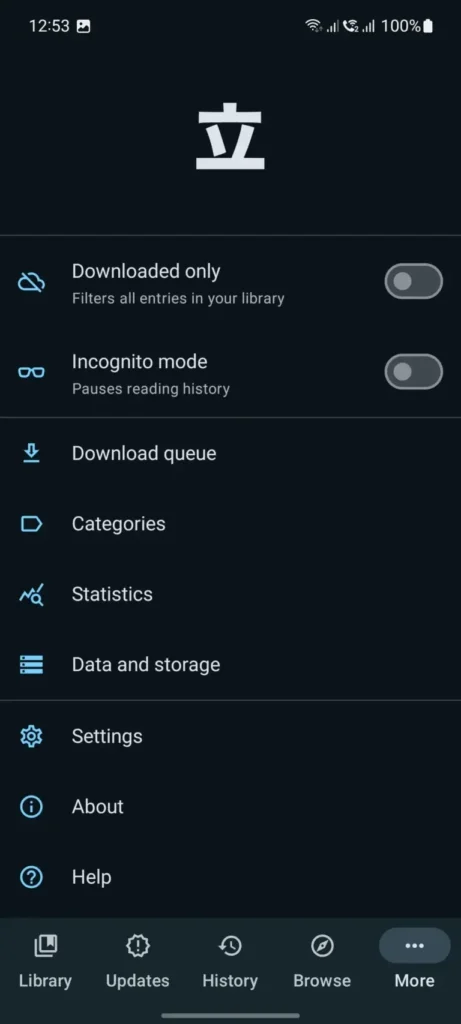
3. Settings Section
The Settings section holds the app’s core controls:
- Downloaded Only — shows only titles with chapters saved offline.
- Incognito Mode — pauses your reading history while it’s turned on.
- Download Queue — shows what’s downloading, with the option to pause or resume.
- Categories — lets you group manga into custom lists, like a “Favorites” section.
- Help Section — troubleshooting support if something isn’t working, including common source and connection problems. If you’re seeing a Cloudflare error that Tachiyomi can’t bypass, check our troubleshooting guide for possible fixes.
- About Section — app info and version details.
4. Migrate Feature
If a manga you’re reading becomes unavailable on its current source, the Migrate feature lets you switch it to a different one without losing your progress.
Your last-read chapter, bookmarks, and full reading history all carry over automatically — you don’t have to start the series over or re-track where you left off.
Reading Modes in Tachiyomi
Tachiyomi comes with six reading modes, so you can pick whichever fits how you actually read. You can set any of them as your default from the settings menu.
Pros And Cons Of Tachiyomi
| Pros | Cons |
| Free, with no ads | No longer updated or maintained |
| Open-source code, publicly auditable | Manual setup — you have to add extensions yourself |
| Highly customizable interface and themes | Can be confusing for first-time users |
| Offline reading with downloaded chapters | No official security patches |
| Backup and restore built in | No official extensions or support |
| Data stored locally, privacy-focused | No native iOS or Windows version |
Who Made This Website
This website is managed by Hussnain, a manga and anime fan who follows the Tachiyomi and Mihon ecosystem closely, covering installation guides, extensions, and troubleshooting.
This is an independent, unofficial resource — not affiliated with the original Tachiyomi developers or the Mihon project. It’s built to help readers navigate a space that’s changed a lot since the project stopped active development in 2024.
Conclusion
Tachiyomi is a free, open-source manga reader for Android, but it’s no longer updated. The last version (0.15.3) came out in January 2024. It still works for most people right now, but with no security patches or new extensions, it’s a good idea to know about Mihon and other active alternatives for the long run. If you already use it, keep your library backed up in case you need to switch later.